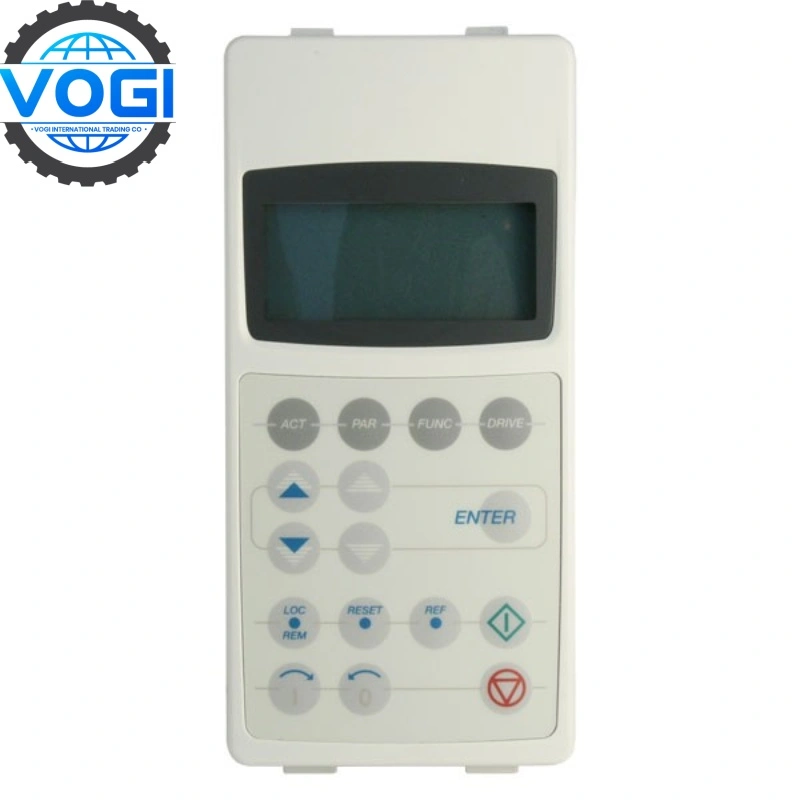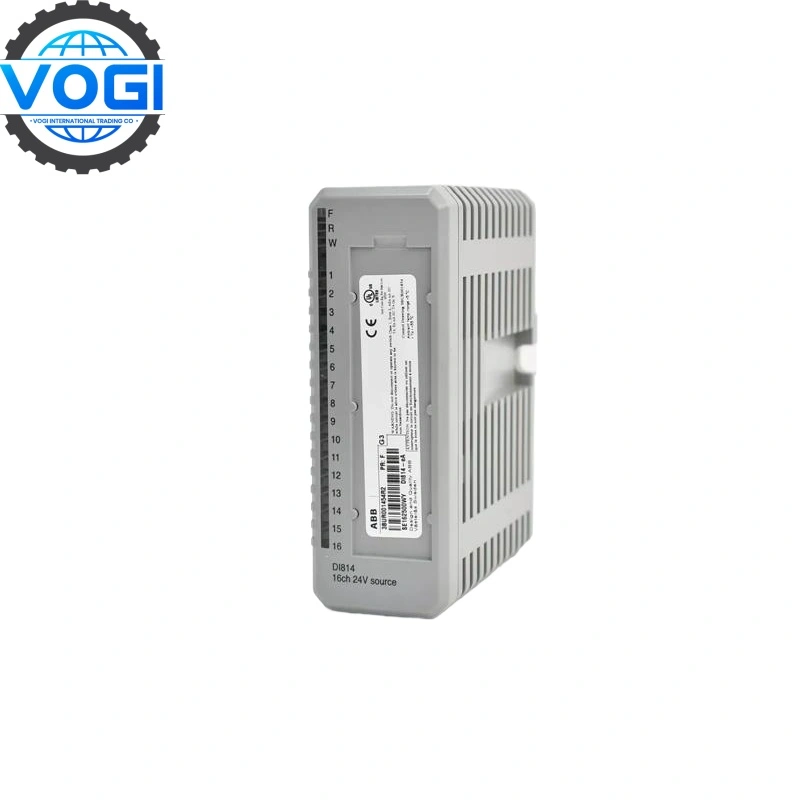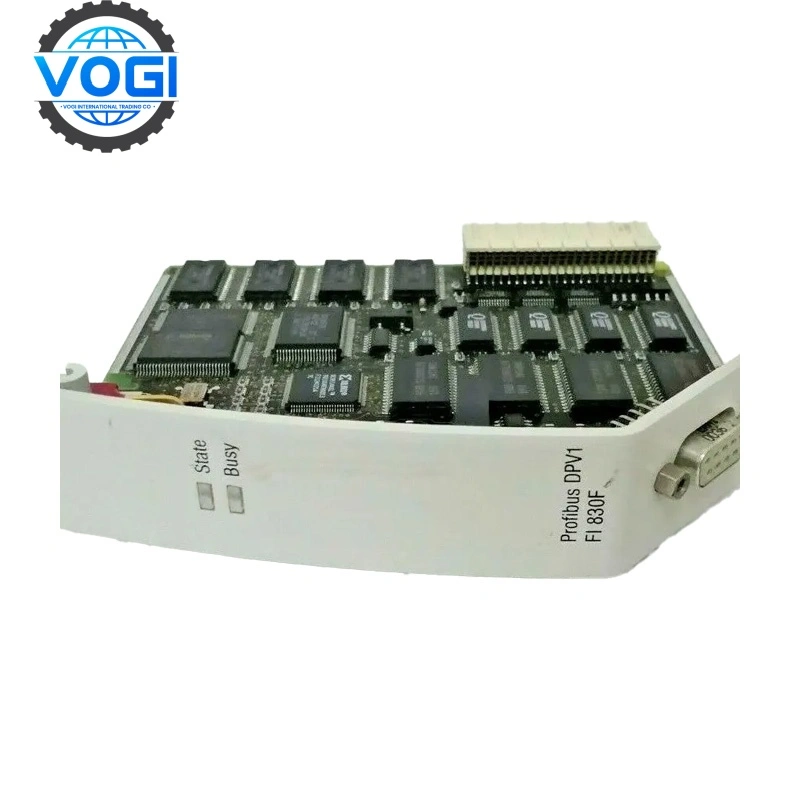
ABB NTAI02
| Brand | ABB |
| Model Number | NTAI02 |
| Unit price | $500 |
| Country Of Origin | Switzerland and Sweden |
| Weight | 0.35KG |
| Certificate |
C/O from the Chamber of Commerce C/Q from the Manufacturer |
| Warranty | 12 Months |
| Inventory Qty | 3 |
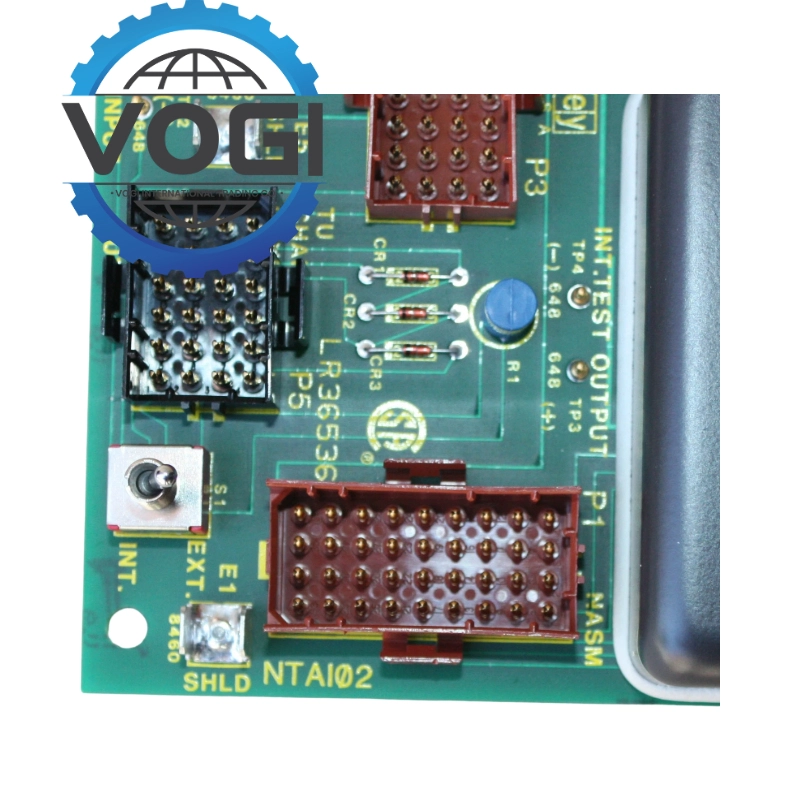
ABB NTAI02 is Thermocouple Analog Input Termination Unit. It has 5 cable connectors and connect with modules
|
Parameter |
Specification |
|
Power Requirements |
+24 VDC, typically supplied by the mounting baseplate or other modules |
|
Rated Current |
0.25A |
|
Operating Temperature |
0°C to 70°C (32°F to 158°F). |
|
Relative Humidity |
5% to 90% (below 55°C, non-condensing) |
Account Number 88800006406771
Account name Vogi International Trading Co., Limited
(* If the account name exceeds the available space, please continue in the address field.)
SWITF/BIC Code WIHBHKHHXXX
Bank name OCBC Hong Kong Branch
Bank address 161 Queen's Road Central, Central, Hong Kong
Country/Region Hong Kong (China)
Account type Business Account
Bank code 035
Payment method For the payment of goods, please make a FPS/CHATS/SWIFT Payment
Notes Please include the following memo/message to receiver when making a payment: [Buyer Name] [Invoice/Contract Number] [Product]
How to replace an NTAI02 termination unit
1.Turn off the INFI 90 cabinet power.
NOTE: The I/O power supplies providing the power to the TU may not be located in the same cabinet as the TU. Make sure to turn off power to any external supplies providing I/O power.
- Remove terminal block covers.
- Label and remove all field wiring from the terminal blocks.
- Label and disconnect all cables connected to the TU.
- Label and disconnect system I/O power and ground from the terminals.
- Remove the two screws securing the TU to the field termi nation panel and remove the TU.
- Insert the tabs of the replacement termination unit into the proper slots of the field termination panel standoff and slide it into position.
- Secure the termination unit circuit board to the field termi nation panel with two screws. Do not overtighten.
- Remove terminal block covers from the replacement TU.
- Connect all field wiring removed in Step 3.
- Connect the system I/O power wires and system ground wires removed in Step 5 and verify connections.
- Connect all cables removed in Step 4.
- Install terminal block covers.
- Energize the cabinet power supply that provides power to the TU.
- Turn on any external power supplies providing I/O power.
- Calibrate the replacement TU by following the procedure in the IMAMM03 product instruction. Refer to Section 1 for the current manual identification number