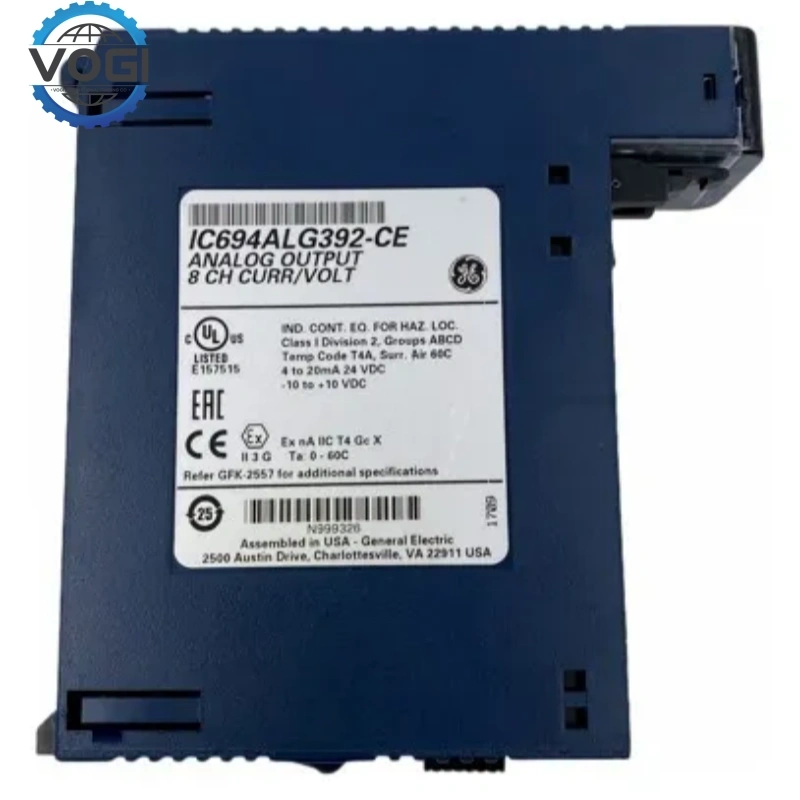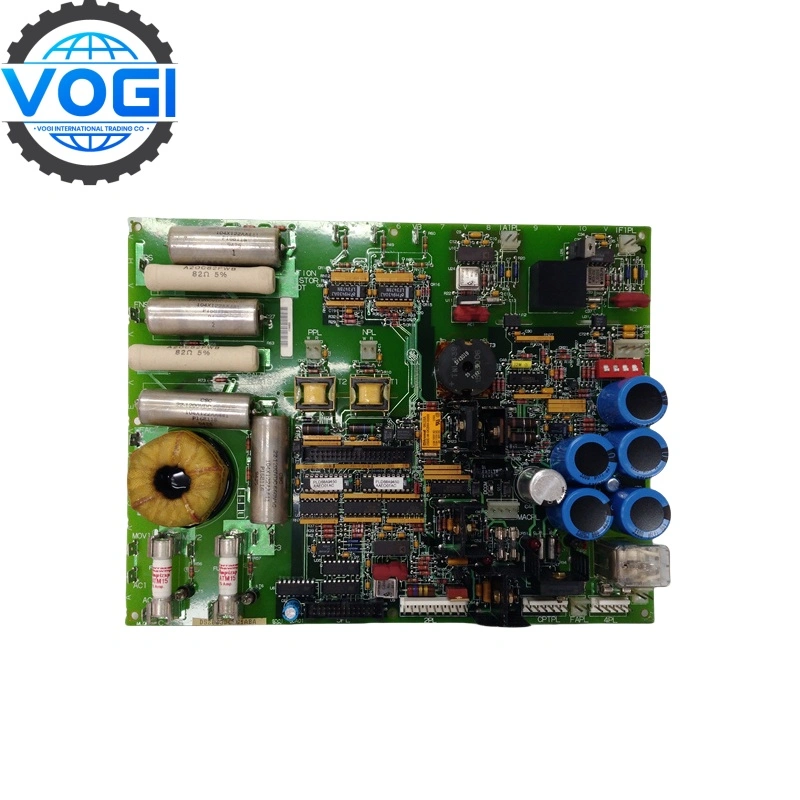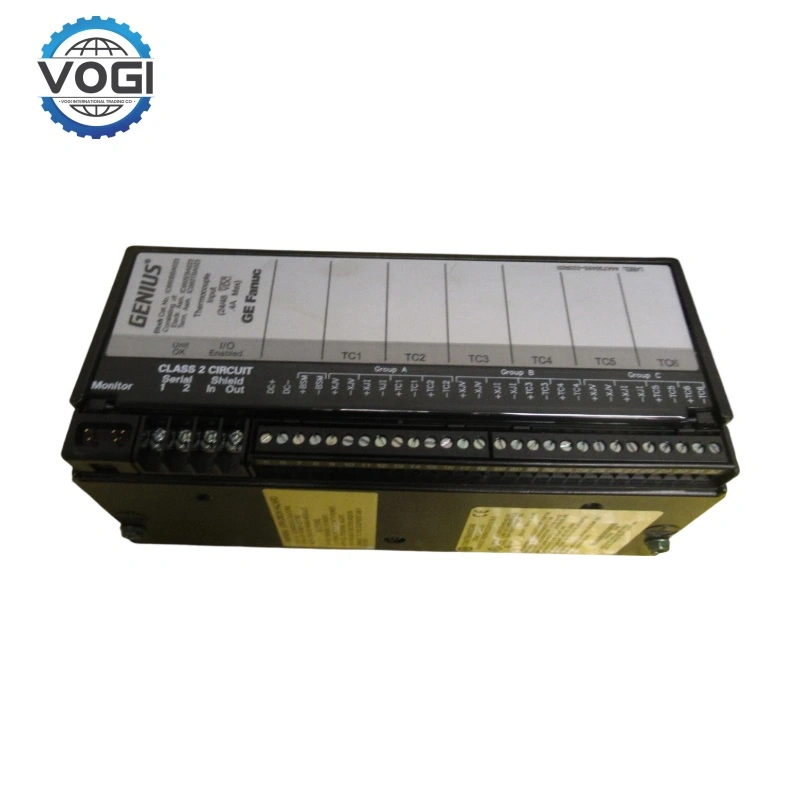
GE IC694ALG392
| Brand | GE |
| Module Number | IC694ALG392 |
| Unit price | $599 |
| Country Of Origin | USA |
| Weight | 0.75KG |
| Certificate |
C/O from the Chamber of Commerce C/Q from the Manufacturer |
| Warranty | 12 Months |
| Inventory Qty | 1 |
GE IC694ALG392 is Analog output module, it is 8-channel analog current/voltage output module
Performance parameters
Accuracy (at 25°C):
Voltage: Typically ±0.10% of the range
Current: Typically ±0.20% of the range
Conversion type: Sigma-Delta conversion technology
Update rate:
The time for scanning all channels once is typically 7 milliseconds (depending on the configured filtering frequency).
Input impedance:
Voltage mode: > 1 MΩ
Current mode: 250 Ω (typical value)
Account Number 88800006406771
Account name Vogi International Trading Co., Limited
(* If the account name exceeds the available space, please continue in the address field.)
SWITF/BIC Code WIHBHKHHXXX
Bank name OCBC Hong Kong Branch
Bank address 161 Queen's Road Central, Central, Hong Kong
Country/Region Hong Kong (China)
Account type Business Account
Bank code 035
Payment method For the payment of goods, please make a FPS/CHATS/SWIFT Payment
Notes Please include the following memo/message to receiver when making a payment: [Buyer Name] [Invoice/Contract Number] [Product]
How to Configuration when using IC694ALG392 of PLC project
Open the project that contains this PLC and navigate to the Hardware Configuration section.
Locate the module, Find IC694ALG392 in the Rack and Slot, then double-click to enter the module configuration interface.
Modify the configuration parameters
The main items that can be modified are:
Input Type: Voltage (±10V, 0–10V, etc.) or Current (4–20mA, 0–20mA), which must be consistent with the on-site signal.
Data Format: Engineering Units (EU), Original Counts (Counts), etc.
Scaling: If you need to customize the range, set the corresponding values for the upper and lower limits.
Filter / Response Time: Select the filtering frequency based on the actual noise conditions.
Save and download
Save the hardware configuration.
Compile the project (Build).
Download the configuration to the CPU. During the download process, it is usually necessary to set the PLC to the stop state. After the download is completed, switch it back to the run state.