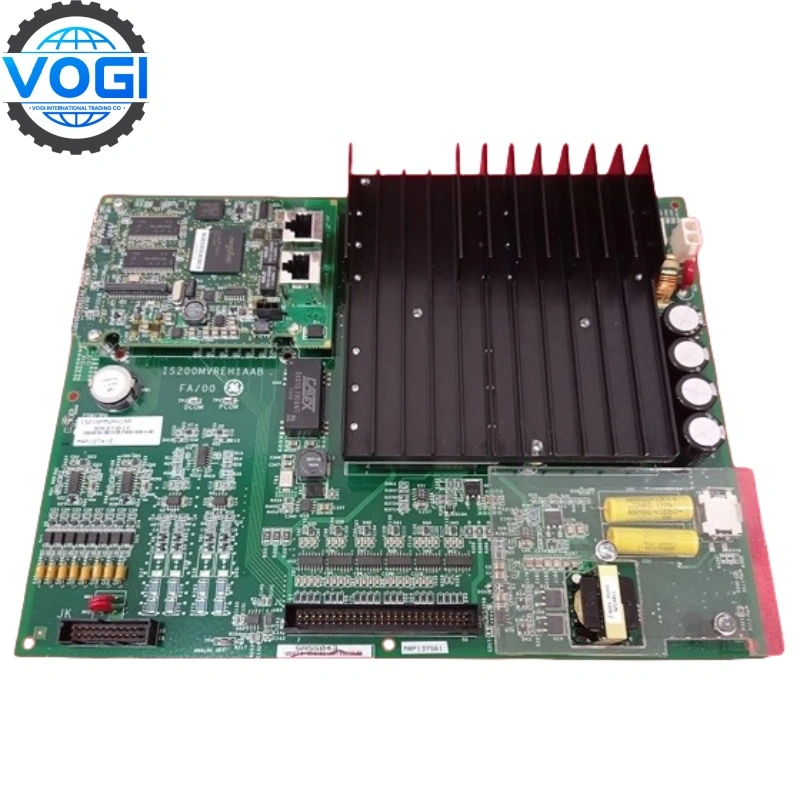
GE DS200RTBAG3A DS200RTBAG3AHC
| Brand | GE |
| Model Number | DS200RTBAG3A HC |
| Unit price | $2999 |
| Country Of Origin | USA |
| Weight | 0.75KG |
| Certificate |
C/O from the Chamber of Commerce C/Q from the Manufacturer |
| Warranty | 12 Months |
| Inventory Qty | 7 |
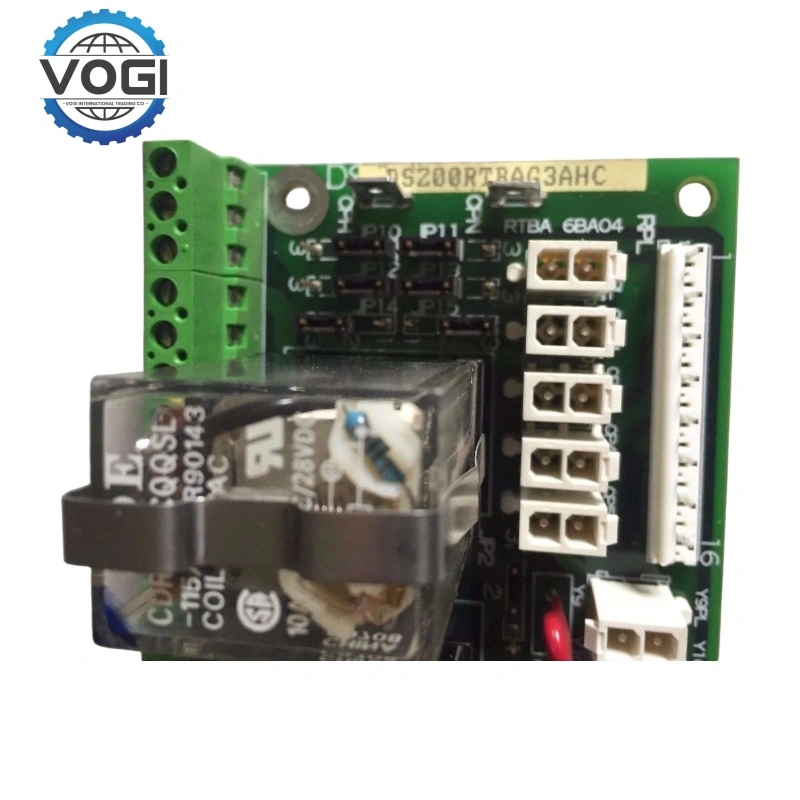
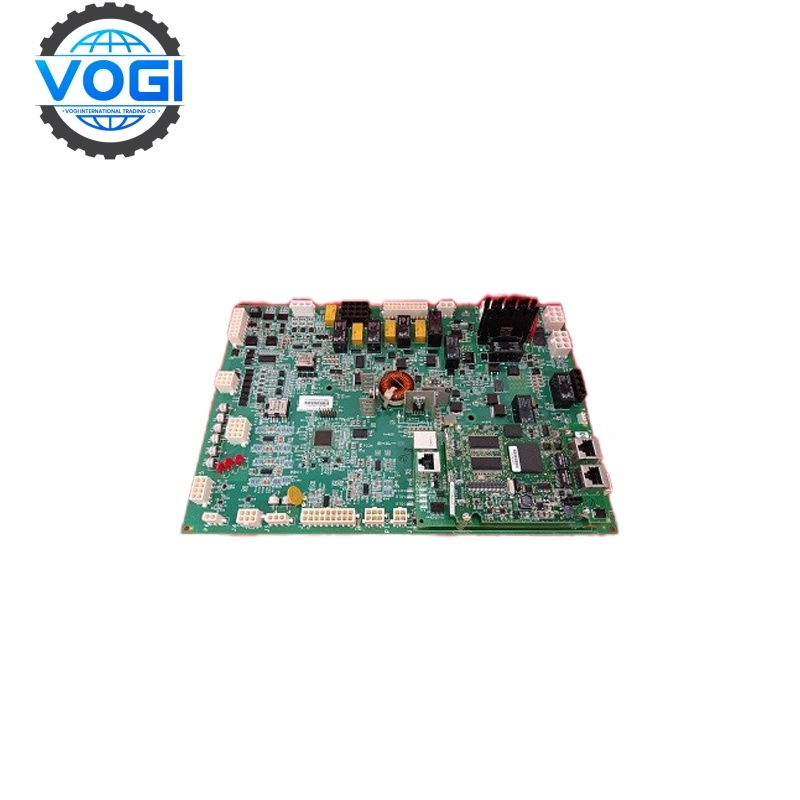
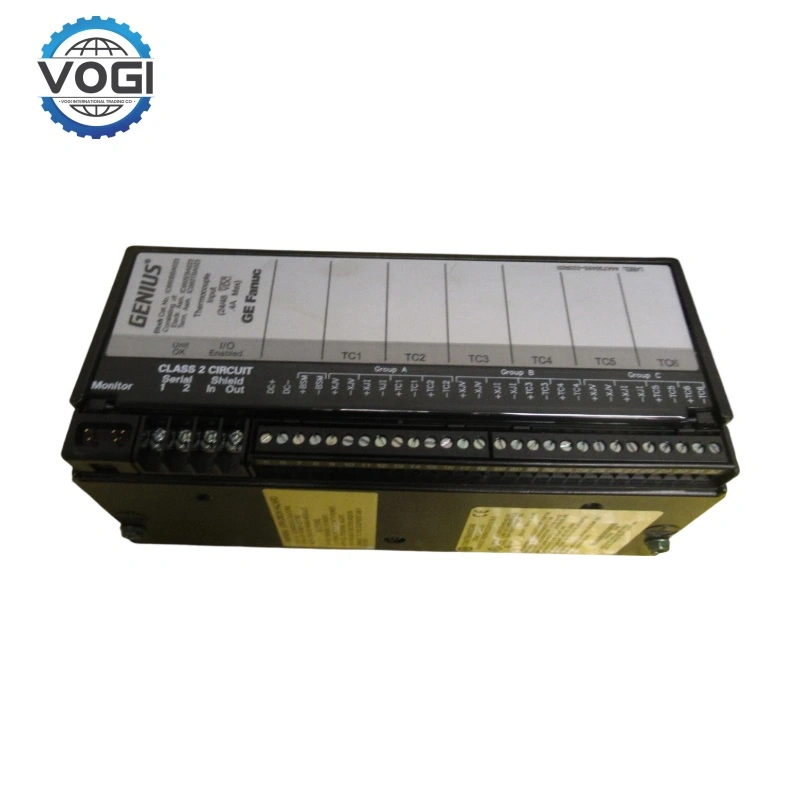
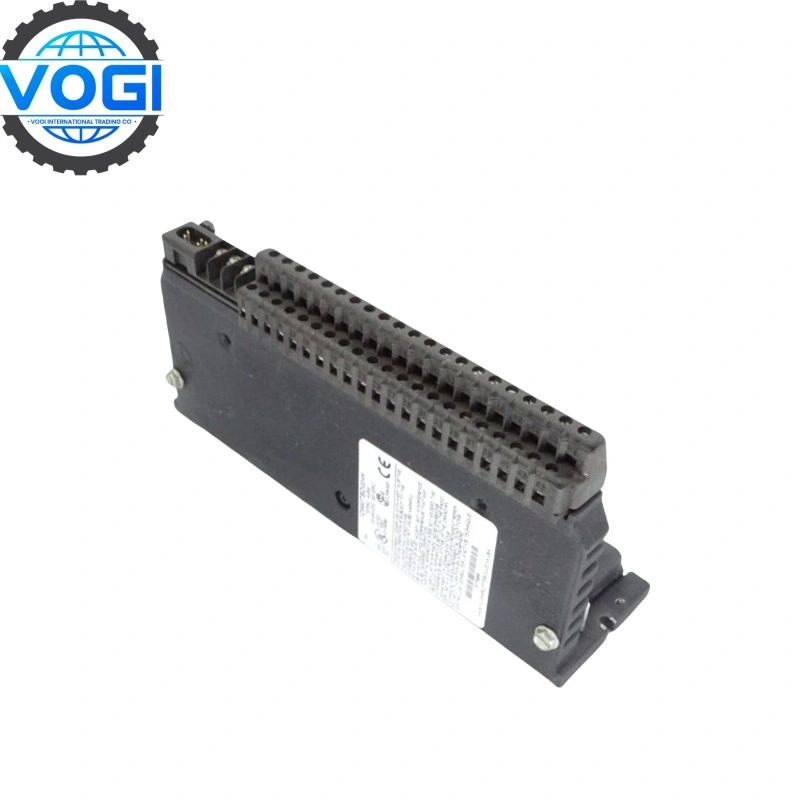
GE DS200RTBAG3A is RTBA Relay Terminal Board, it is under EX2000 series. And it can be found inside the drive or exciter cabinet.
DS200RTBA - Relay Terminal Board
7 High current relays used (K20 -K26)
Each with two form C contacts
"State indicator" lamp inside each relay
Used in all EX2000 PCM configurations
Configured using hardware jumpers
Hardware configuration jumper for each relay
Relay controlled RTBA terminal board
Relay controlled by LTB board relay via RPL cable
Account Number 88800006406771
Account name Vogi International Trading Co., Limited
(* If the account name exceeds the available space, please continue in the address field.)
SWITF/BIC Code WIHBHKHHXXX
Bank name OCBC Hong Kong Branch
Bank address 161 Queen's Road Central, Central, Hong Kong
Country/Region Hong Kong (China)
Account type Business Account
Bank code 035
Payment method For the payment of goods, please make a FPS/CHATS/SWIFT Payment
Notes Please include the following memo/message to receiver when making a payment: [Buyer Name] [Invoice/Contract Number] [Product]
How to replace DS200RTBAG3A
- Safety Preparation
Turn off the power of the drive and wait for several minutes to ensure the capacitor discharges.
Open the equipment cabinet door and prepare for operation.
- Disconnecting Connections
Disconnect the cables: Carefully remove all cables connected to the RTBA board.
For ribbon cables: Pinch both sides of the connector and gently pull it out.
For cables with clips: Slowly pull the clip.
For CP1PL-CP5PL and Y9PL-Y37PL plugs: Press the connector latch to release.
Disconnect the wires: Loosen the screws on the top of each RTB terminal and remove all the wires. (Key point: Make sure to mark the wires properly for reconnection later.)
- Removing the Old Board
Remove the four screws with washers that fix the RTBA board to the four brackets.
Note: Avoid dropping small parts like screws into the equipment during the operation.
- Transferring Configuration and Installing the New Board
Install all the configurable components (such as jumpers, DIP switches, etc.) on the old board in their original positions onto the new board. Align the new board with the four brackets and fix it using the removed screws and washers.
- Reconnection
Connect the cables: Reattach all the disconnected cables to the new board, making sure that each connector is properly inserted. Connect the wires: According to the previous markings, reconnect each wire to the corresponding RTB terminal and tighten the screws to ensure a secure connection.