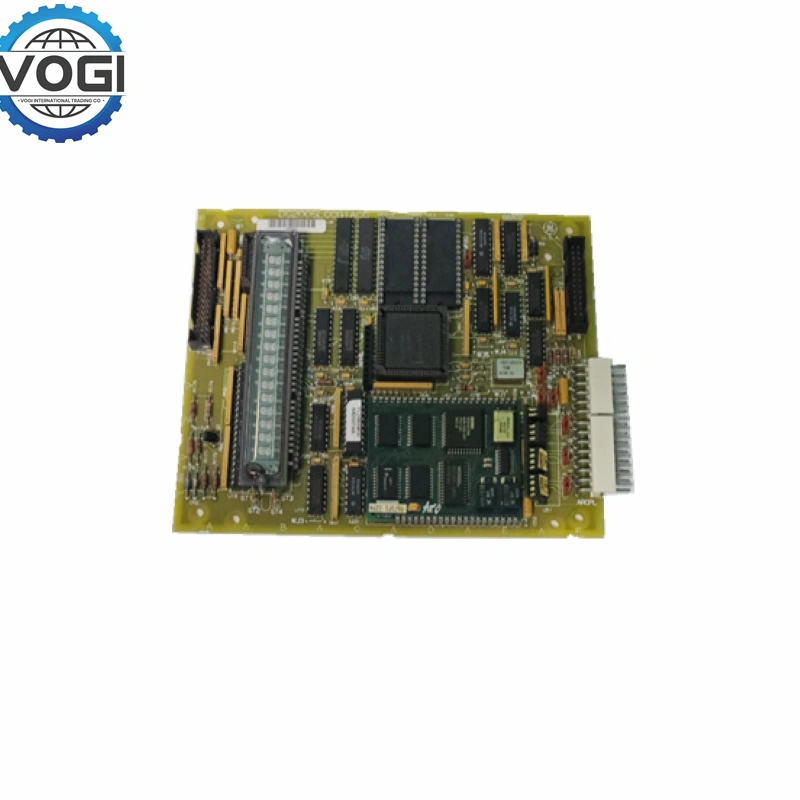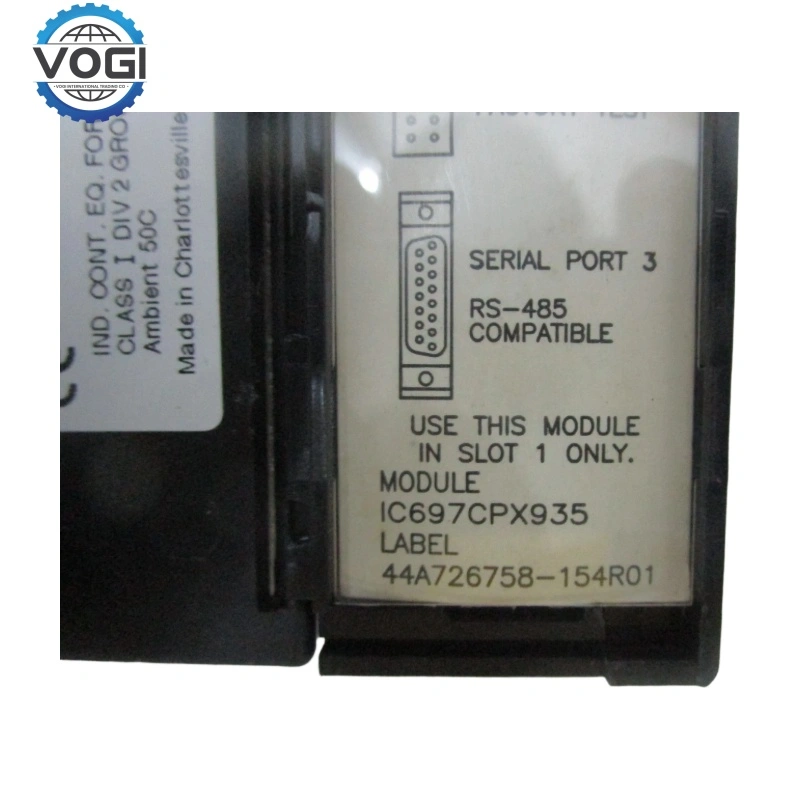
GE DS200TCCAG1B DS200TCCAG1BAA
| Brand | GE |
| Module Number | DS200TCCAG1B AA |
| Unit price | $7999 |
| Country Of Origin | USA |
| Weight | 0.5KG |
| Certificate |
C/O from the Chamber of Commerce C/Q from the Manufacturer |
| Warranty | 12 Months |
| Inventory Qty | 6 |
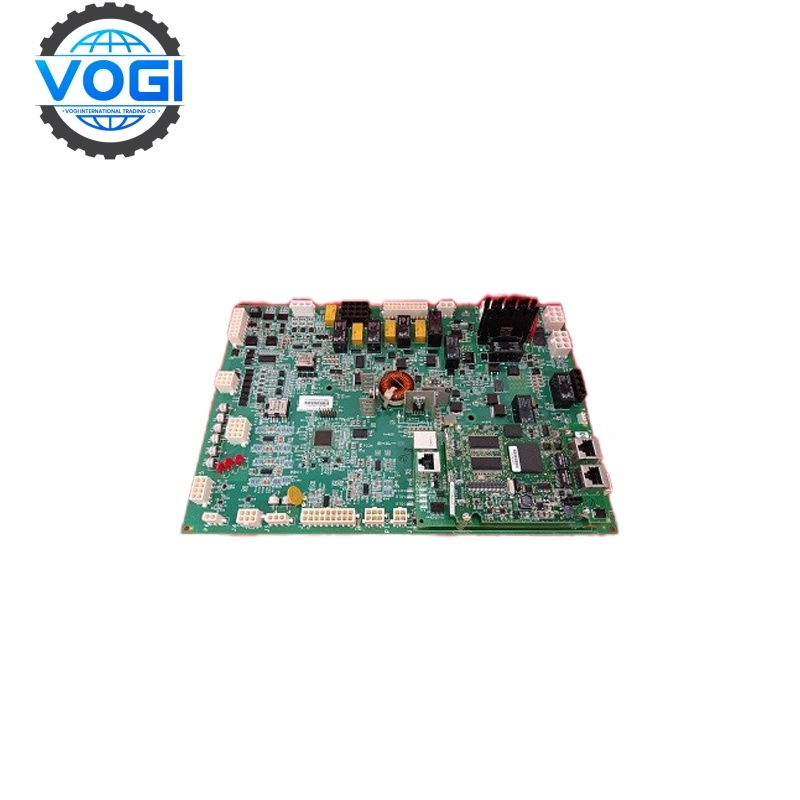
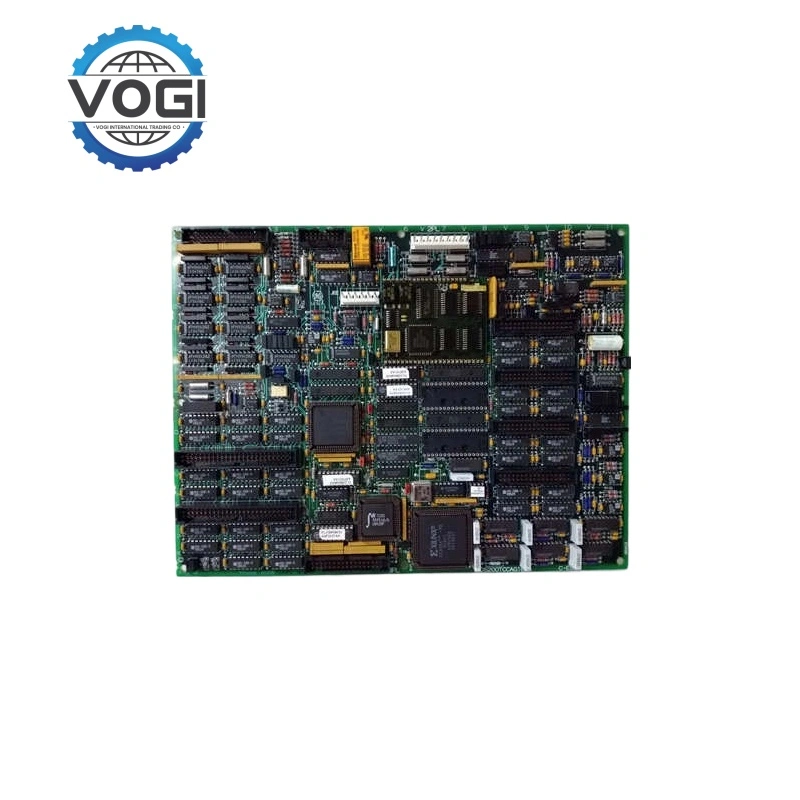
GE DS200TCCAG1B is TC2000 analog I/O board used with CTBA/TBQA/TBCA terminal boards.
DS200TCCAG1BAA has been discontinued already, but there is still stocks in the market
Specific details as below
|
Power parameters |
+5 VDC 6A |
|
Output Current |
16 Channel (-10V ~ +10V) |
|
Processor |
Intel 80196 microprocessor, equipped with multiple PROM firmware storage units |
|
Connector |
2×50-pin (JCC, JDD); 1×3PL interface (connected to STCA board) |
|
Coating |
Standard three-layer protection coating (anti-corrosion / moisture-proof) |
Account Number 88800006406771
Account name Vogi International Trading Co., Limited
(* If the account name exceeds the available space, please continue in the address field.)
SWITF/BIC Code WIHBHKHHXXX
Bank name OCBC Hong Kong Branch
Bank address 161 Queen's Road Central, Central, Hong Kong
Country/Region Hong Kong (China)
Account type Business Account
Bank code 035
Payment method For the payment of goods, please make a FPS/CHATS/SWIFT Payment
Notes Please include the following memo/message to receiver when making a payment: [Buyer Name] [Invoice/Contract Number] [Product]
How to install DS200TCCAG1B
Step 1: Power down the entire MKV cabinet, apply lockout/tagout procedures, and verify zero voltage.
Step 2: Mount the TBQA, TBCA, and CTBA modules onto the guide rails located beneath the C-Core, in accordance with the engineering drawings.
Step 3: Put on an anti-static wrist strap and insert the DS200TCCAG1B board into its designated slot within the C-Core.
Tighten the front panel mounting screws and verify that both the power supply and system bus connections are secure.
Step 4: Connect the TCCA module to the three associated terminal boards.
Step 5: Perform field-side wiring. This is the most time-consuming step; ensure that all wire markers/sleeves correspond exactly to the engineering drawings. Secure the wiring using cable ties, keeping it routed away from high-voltage power lines.
Step 6: Conduct pre-power-up inspections.
Step 7: Power-up and firmware configuration. Apply control power first, followed by I/O power. Wait for the TCCA card's LED indicator to illuminate, signaling normal operation readiness; then, proceed with configuration and debugging via the software interface.
Step 8: Monitor the TCCA LED indicators during extended field operation to ensure no error codes are displayed and that data remains stable.
If all checks are successful, the plant can resume normal operations, marking the temporary conclusion of the engineer's work.
FAQ
Q: What is the lead time for the DS200TCCAG1B?
A: In-stock DS200TCCAG1B units typically ship within 1-3 business days. For special orders, lead time varies. Contact our sales team for an exact quote and delivery estimate.