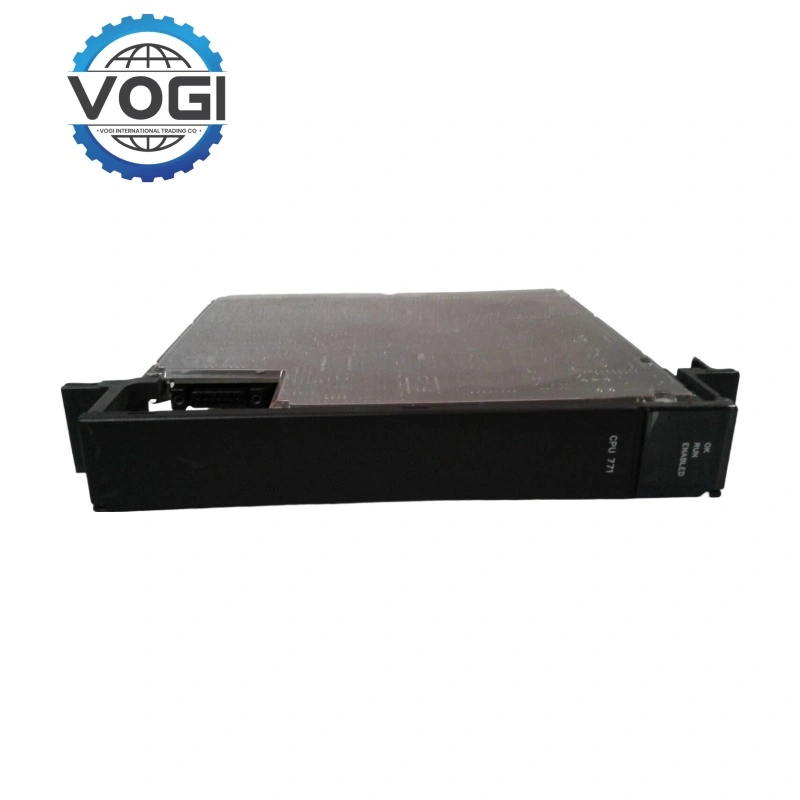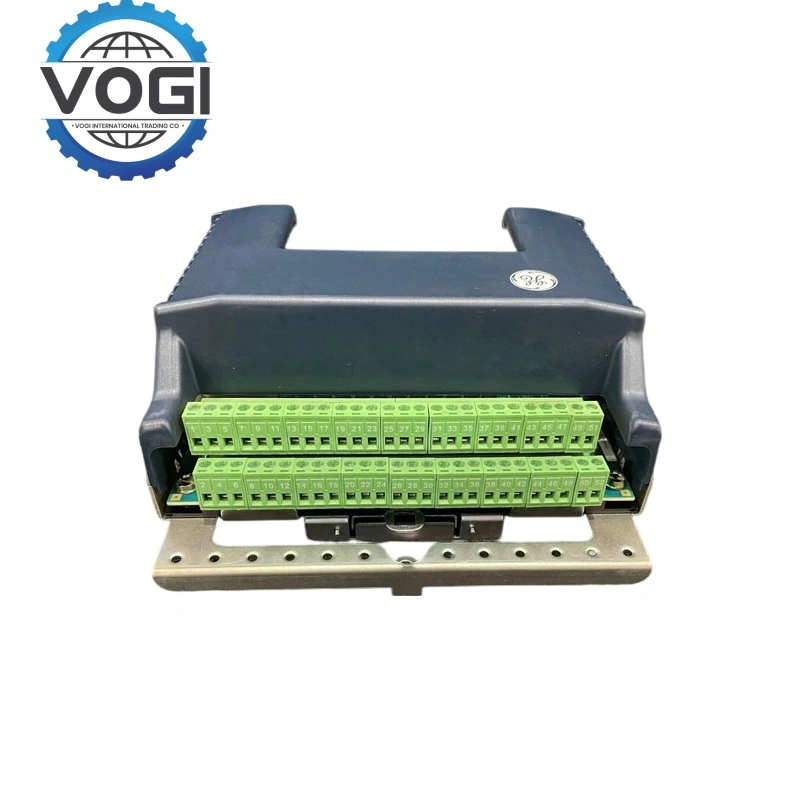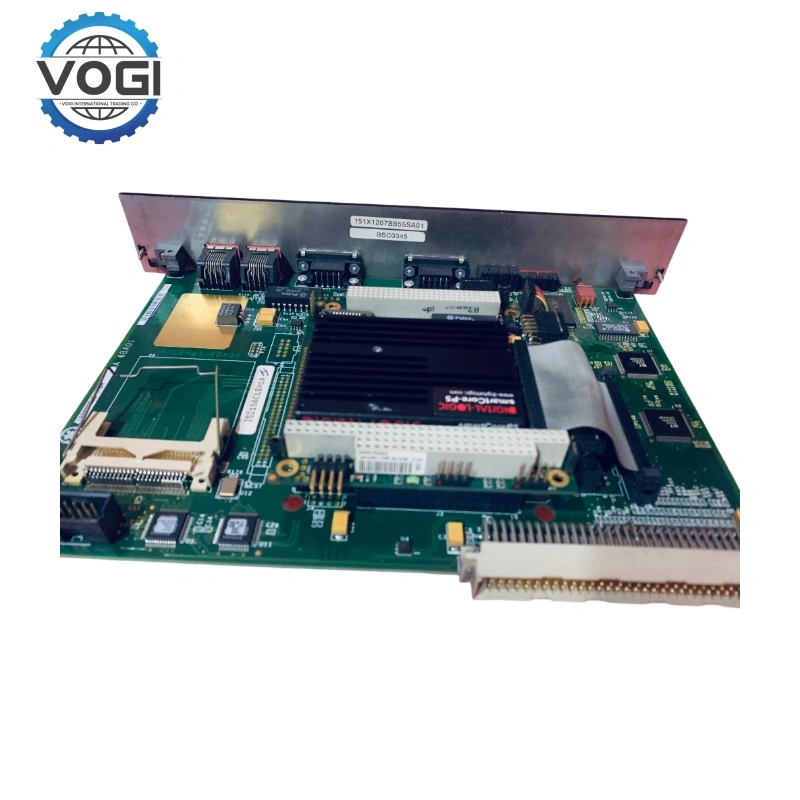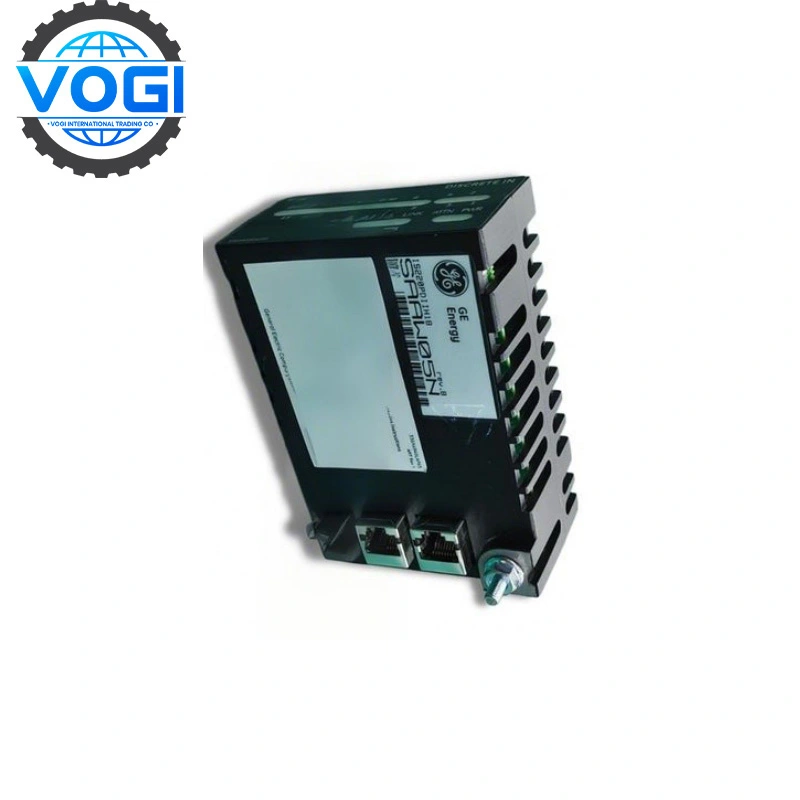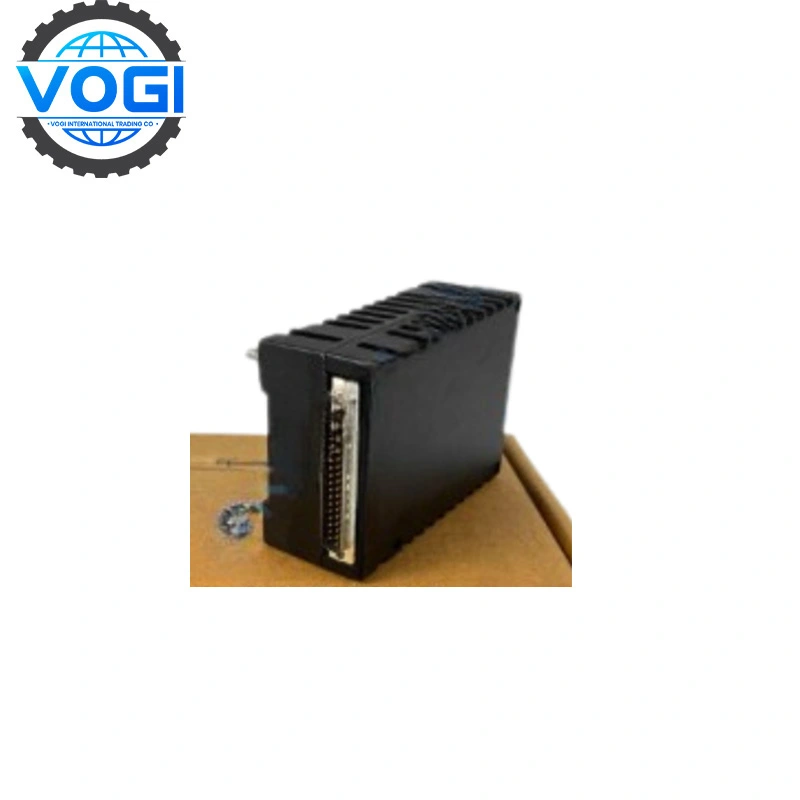
GE IC697CPU771
| Brand | GE |
| Module Number | IC697CPU771 |
| Unit price | $1999 |
| Country Of Origin | USA |
| Weight | 0.55KG |
| Certificate |
C/O from the Chamber of Commerce C/Q from the Manufacturer |
| Warranty | 12 Months |
| Inventory Qty | 1 |
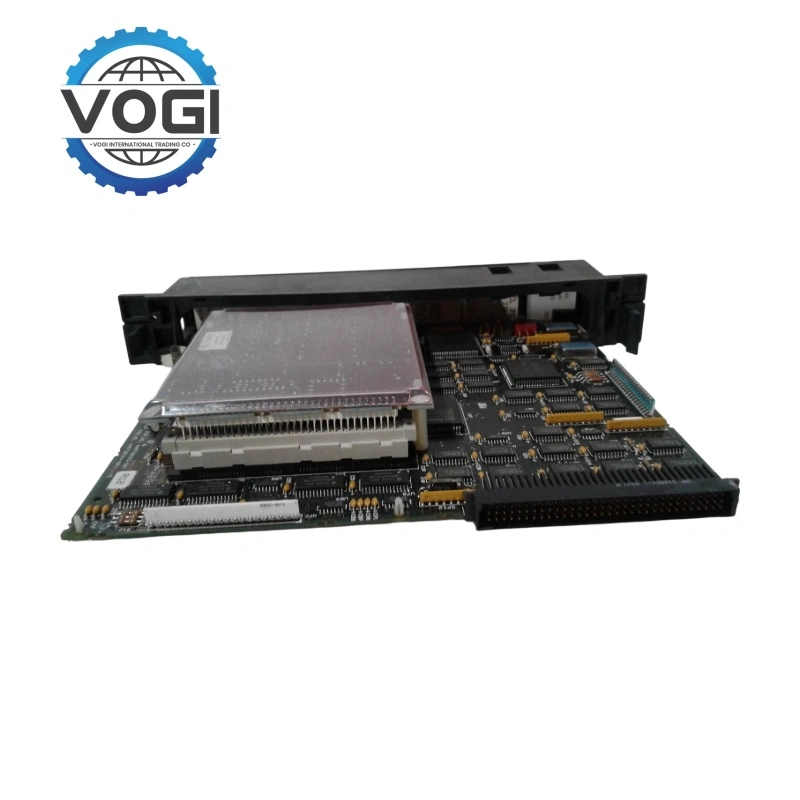
GE IC697CPU771 is central processing unit with 12 MHz, expandable
CPU 771 is a single-slot PLC CPU that can be programmed and configured using programming software based on MS-DOS or Windows. It is used for real-time control of machines, processes, and material handling systems.
The operation of this module can be controlled by the three-position switches on the module itself, or remotely through the connected programmer and programming software. The three green LED indicators on the front of the module precisely indicate the status of the module.
Communication method: Communicates with I/O and intelligent add-on module via VME C.1 standard format on the rack-mounted backplane (IC697CHS750, 782, 783, 790, 791).
Supported add-on modules: All IC697 LAN interface modules, multiple coprocessor modules, IC660/661 I/O bus controllers and communication modules, as well as all IC697 series discrete and analog I/O modules (for more information about supported modules, please refer to the manual in this product link).
Storage method: Program and data storage can be expanded by connecting an expansion memory board, which is equipped with up to 512 KB battery-powered CMOS RAM.
Account Number 88800006406771
Account name Vogi International Trading Co., Limited
(* If the account name exceeds the available space, please continue in the address field.)
SWITF/BIC Code WIHBHKHHXXX
Bank name OCBC Hong Kong Branch
Bank address 161 Queen's Road Central, Central, Hong Kong
Country/Region Hong Kong (China)
Account type Business Account
Bank code 035
Payment method For the payment of goods, please make a FPS/CHATS/SWIFT Payment
Notes Please include the following memo/message to receiver when making a payment: [Buyer Name] [Invoice/Contract Number] [Product]
How to install CPU IC697CPU771
Before installation, engineers need to perform some preparatory work: power off the system, wear an anti-static wrist strap, and ensure that the power module (such as IC697PWR711) of the rack (such as IC697CHS790) has been correctly installed.
Next comes the slot selection.
CPU771 must be inserted into slot 1 of the rack (the leftmost one, adjacent to the power module). The 90-70 rack has a fixed backplane bus, and the CPU slot is unique.
It is not allowed to insert other I/O or communication slots, otherwise the system will not recognize them.
Specific installation steps for the module are as follows:
Alignment: Fully open the ejector/ejector on the top of CPU771 (fold outward) and gently push it in along the up and down rails of the rack.
Locking: After pushing until the backplane connector is fully engaged, press the upper and lower ejectors inward until you hear a "click" sound, indicating that the module is firmly locked.
Fixing: Tighten the metal fixing screws at the top and bottom of the module (to prevent vibration loosening).
External wiring
Programming port: On the front of the module, there is a 15-pin D-sub female socket (RS-485/422 multi-protocol interface). Use a dedicated programming cable (such as IC693CBL302, combined with a converter to a PC serial port or USB-232 cable). Status indicator lights: After installation and power-on, observe the LEDs such as OK (green), RUN (green), CPU FAULT (red), etc. Confirm that the module self-check has passed (the OK light remains on constantly).
And how is the software configuration
The mainstream configuration software is divided into Proficy Machine Edition (PME, also known as Logic Developer) or the older VersaPro/LM90. Here are the steps for PME.
Create a project and select the hardware
New project → Select PLC type: Series 90-70.
In the Hardware Configuration:
Add a rack (such as a 10-slot rack).
Place the IC697 CPU771 in slot 1.
In slots 2 to 10, add I/O modules (such as IC697MDL653 digital input, IC697VDD100 analog output, etc.) and communication modules (such as Ethernet module IC697CMM742).
CPU property settings
Scan mode: Usually set to Constant Sweep (constant scan, such as 50ms) or Normal.
Memory configuration: Allocate %I (discrete input), %Q (discrete output), %R (register), %AI (analog input) and other area sizes. The maximum user logic for CPU771 is 256K bytes.
Communication ports: Configure serial protocol (SNP or RTU Modbus), baud rate (default 19200), data bits, stop bits, etc.
Write logic program
Support programming languages: Ladder Diagram (LD), Instruction List (IL), C language block.
Common ladder diagram implementation: Self-protect circuit, timer (TMR), counter (CNT), PID regulation (needs to call PID block).
Download configuration The PC connects to the programming port of CPU771 through a serial port/RS-485 adapter.
In PME, click Online → Connect, select the correct COM port and baud rate.
After successful connection, execute Download. Note: Download will make the CPU stop and overwrite the original program. Be sure to confirm the safety of the site. After downloading, switch the CPU mode switch (located on the front of the module and needs to be toggled using a Phillips screwdriver) from STOP to RUN