GE DS200UPSAG1A DS200UPSAG1AGD
| Brand | GE |
| Model Number | DS200UPSAG1A GD |
| Unit price | $5999 |
| Country Of Origin | USA |
| Weight | 0.5KG |
| Certificate |
C/O from the Chamber of Commerce C/Q from the Manufacturer |
| Warranty | 12 Months |
| Inventory Qty | 2 |
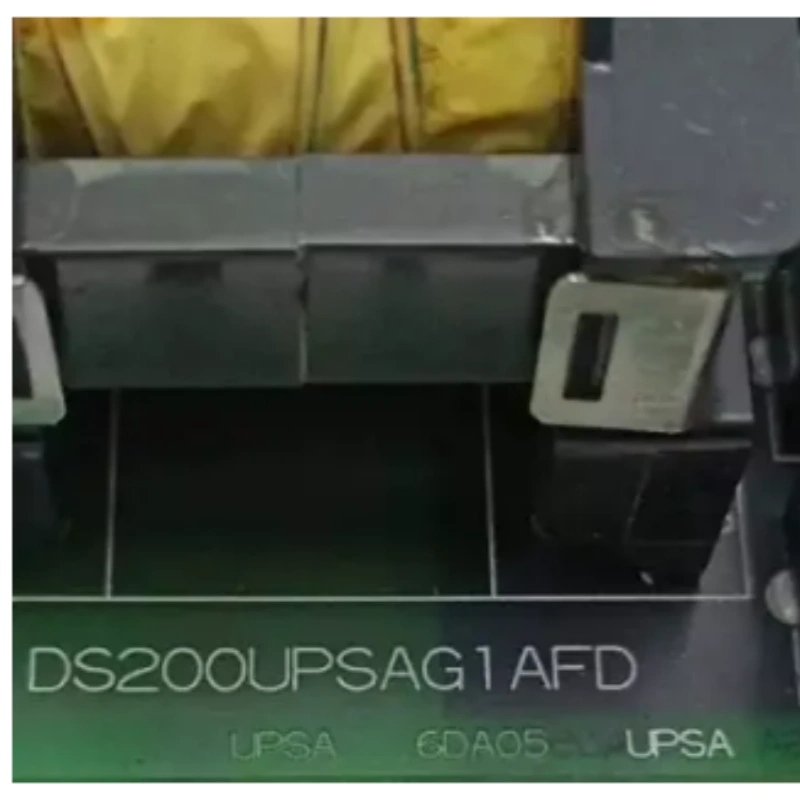
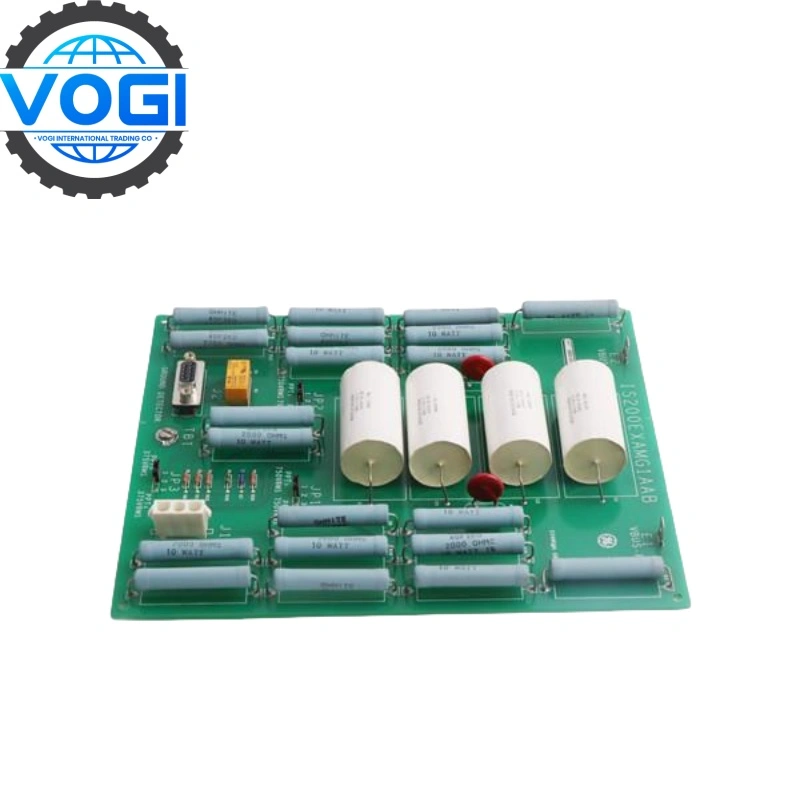
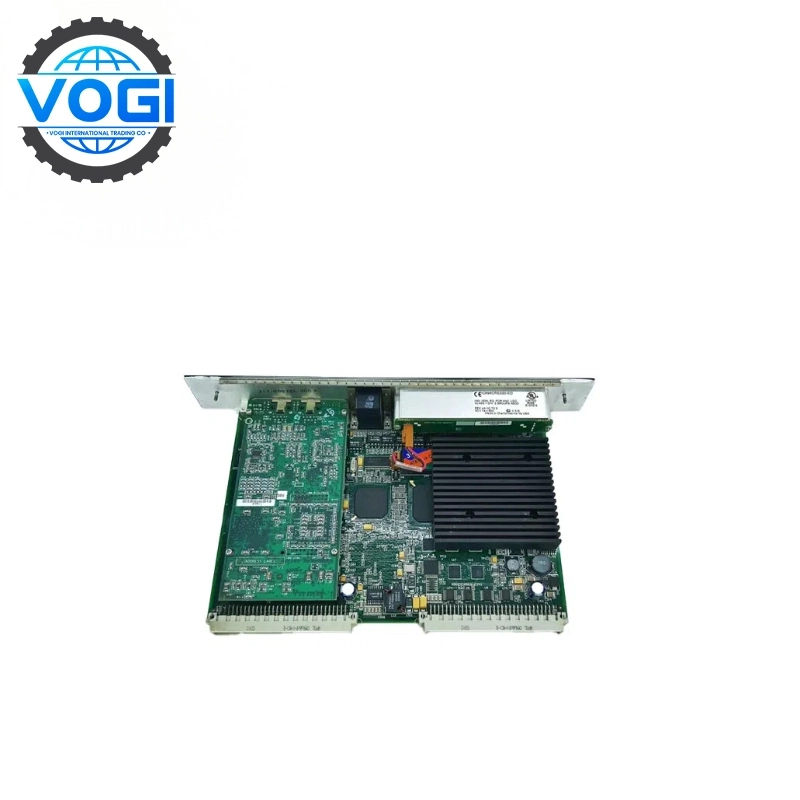
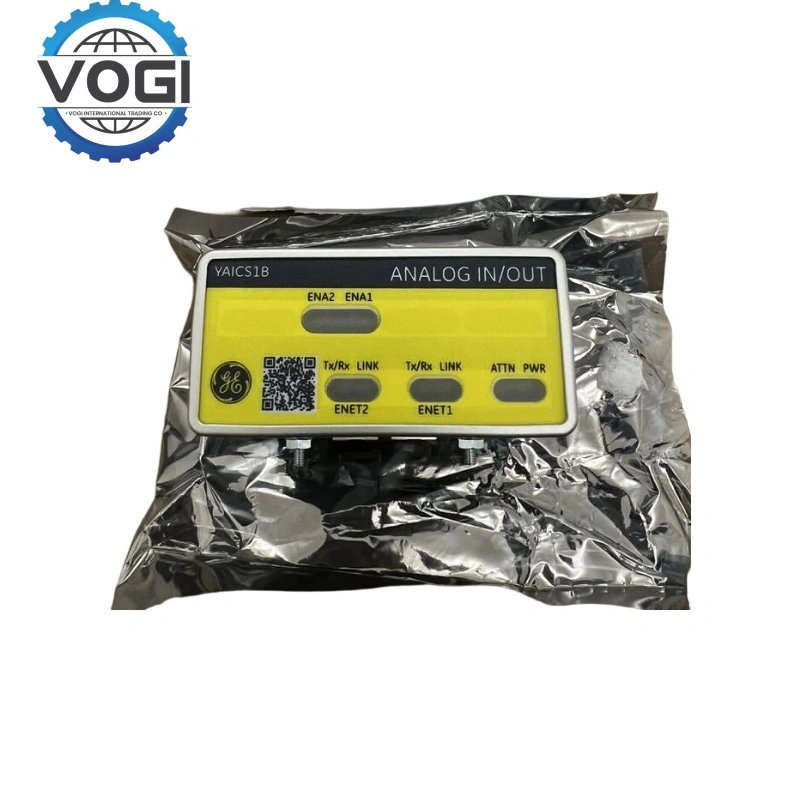
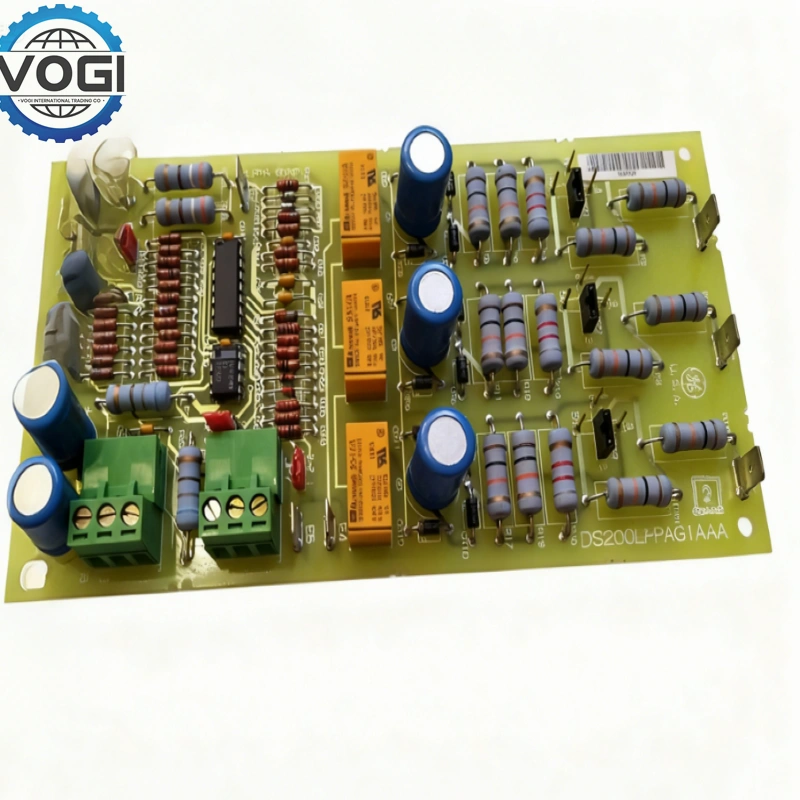
GE DS200UPSAG1A is power supply board, it is part of EX2000 series and used on drives in the Innovation series TM.
RV1 (Set.05 on +5 V testpoint TP5 for 5V)
Two switches,SW1 and SW2
The different between 1A and 7A
One LED, if DS1 always on means it is run successful
Four fuses, Bussman type MDA-4,4A,type AGC-3
Account Number 88800006406771
Account name Vogi International Trading Co., Limited
(* If the account name exceeds the available space, please continue in the address field.)
SWITF/BIC Code WIHBHKHHXXX
Bank name OCBC Hong Kong Branch
Bank address 161 Queen's Road Central, Central, Hong Kong
Country/Region Hong Kong (China)
Account type Business Account
Bank code 035
Payment method For the payment of goods, please make a FPS/CHATS/SWIFT Payment
Notes Please include the following memo/message to receiver when making a payment: [Buyer Name] [Invoice/Contract Number] [Product]
The installation steps and warning
Disassembly steps (installation is the reverse process):
Power off: Ensure the equipment is completely powered off.
Open the door: Unscrew the middle threaded screw on the top of the door cover, then open the machine door (the UPSA board is installed on the door).
Disconnect connectors: Disconnect the connectors for 2PLA, 2PLB, 2PLC, CCOM, FAPL, etc., as well as AC1 (red) and AC2 grounding wires (black).
Disconnect cables: Carefully disconnect all cables:
Cable with handle: Pull the cable handle to remove.
Unwind cables: Hold both sides of the cable connector with both hands and gently pull out, do not pull the cable itself.
Screw terminal connection: Unscrew the screws of each terminal, then gently pull out the wire.
Remove circuit board: Gently unscrew six nuts and remove the circuit board. (Notes: During installation, please follow the above steps in reverse order, and ensure that all connections are secure and the cables are installed correctly.)